
2027 Open Enrollment
Welcome to Your 2027 Open Enrollment
The County of Alameda’s (County) Benefits Open Enrollment is your annual opportunity to assess your benefit needs and make any necessary changes. You will have a 2-week period to review and make changes. For Plan Year 2027, Open Enrollment starts October 19 through November 3.
How Do I Enroll?
To enroll or change your elections for the 2027 Benefit Plan year follow the steps below:
STEP 1 – Click the HRMS eBenefits hyperlink below:
STEP 2 – Review your current benefits and options for 2027
To access and review your current benefits information and the online enrollment tool for 2027:
• Go to the Employee Self Service tab
• Click on Open Enrollment tile
• Follow the Activity Guide to review, acknowledge, and complete the Benefits changes and elections for Open Enrollment 2027
2027 Open Enrollment
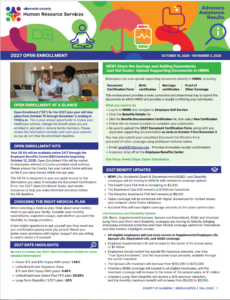
Your 2027 Benefits Enrollment Kits are available online and will not be mailed to your home. However, County employees without a County email will continue to receive an OE Kit to their home address. The Kit, which includes the Open Enrollment Guide, Document Certification Form and other flyers from our different vendors below 24/7. Just click on any of the links to your right. We encourage you to pay special attention to the 2027 Open Enrollment.
Important Resources
Access your Open Enrollment Kit below:
We’re Excited to Announce the Benefits & Wellness Expo with health screenings, chair massages, delicious smoothies and so much more! Invest in your wellness and strive towards your full potential at the County’s Benefits & Wellness EXPO. These events will take place during the Open Enrollment period in Oakland, Hayward, and Dublin.
Come out and review your benefits with all our carriers and participate in prize drawings.
Print and complete the required Entry Form, then bring it with you to the Health & Wellness Expo to join in on the fun!
Health & Wellness Expo Required Entry Form
OAKLAND: Training & Education Center
125 12th Street, 4th Floor, Oakland, CA 94612
October 19, 2026 | 9:00 a.m. – 2:00 p.m
HAYWARD: Eden Multiservice Center,
24100 Amador Street, Hayward, CA 94545
October 22, 2026 | 9:00 a.m. – 2:00 p.m
DUBLIN: Homeland Security/Office of Emergency Services
4985 Broder Blvd., Dublin, CA 94568
October 27, 2026 | 9:00 a.m. – 2:00 p.m
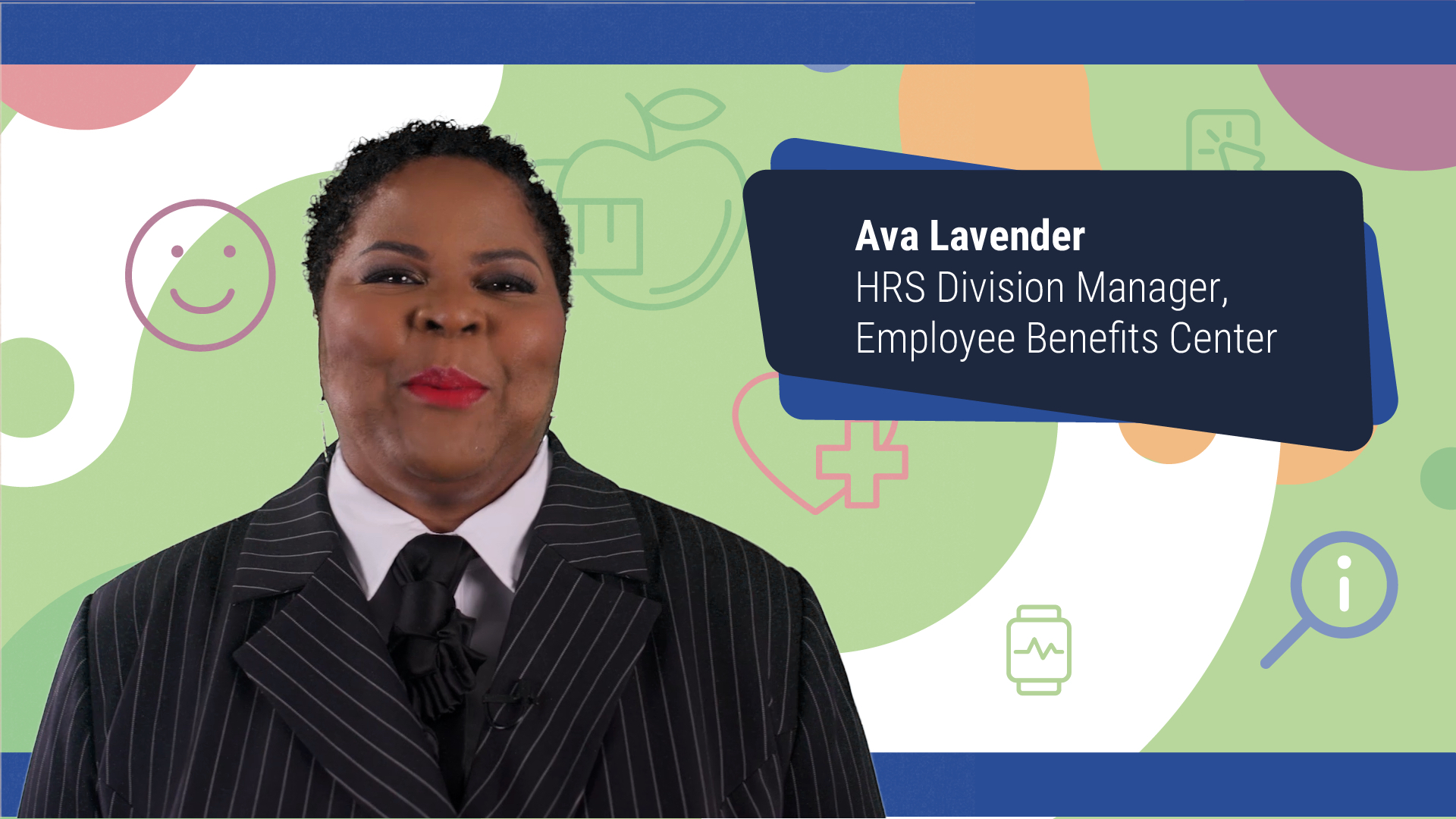
Welcome to the County of Alameda’s 2027 Open Enrollment Highlights! Ava Lavender, Human Resources Division Manager of Employee Benefits, is here to walk you through this year’s important benefit updates, plan changes, and key information to help you make informed decisions about your benefits for 2027. Please take a few minutes to watch this video, review your options, and make the most of your Open Enrollment period, October 19 through November 3, 2026.
Employee Benefits Showcase
We want to support your total well-being. We want to make sure you have a single place to access all the tools and resources related to your benefits. That’s why we’ve developed the Employee Benefits Showcase.
Access the Employee Benefits Showcase to learn about the incredible benefits available to you. We created this site to help our valued employees understand and appreciate the extensive benefits package we offer.
Your Employee Benefits Showcase is available to you on demand all year, so feel free to bookmark it now and visit whenever you or your family members need information about different available benefits. You can visit the Employee Benefits Showcase by clicking the below banner:

Please watch the County of Alameda Employee Benefits Showcase video below entitled: County of Alameda Welcome Benefits Overview
Deadline for the Document Certification Process
Complete the Document Certification Form and submit the required supporting documentation to add a dependent and/or enroll in or meet the annual recertification requirement for Share the Savings. If you are enrolling in Share the Savings, you must also provide proof of other coverage.
For 2027, the deadline is November 3, 2026. If supporting documents or proof of other coverage is not received by the close of Open Enrollment, your current Share the Savings coverage will end effective February 1, 2027.
To complete the online Document Certification Form and upload your supporting documentation, please use the Benefit Document Certification Module in HRMS via Self Service/Benefit Details/Benefit Document Certification, or direct access to the module when you are in OE27.
- NEW! Submit your documentation in HRMS – log in and navigate to Employee Self Service. Select the Benefit Details tile, then click Benefit Documentation Certification and choose New Certification. Follow the on-screen prompts to complete your submission and be sure to attach all required documentation before submitting.
- Email: emailEBC@acgov.org – Provides immediate receipt confirmation!
- Fax: (510) 891-8976
- Drop off in person to the Employee Benefits Center
United Healthcare Signatue Value Plan
The Signature Value network is UnitedHealthcare’s largest HMO network, offering access to your current providers plus many more options for you and your family. For details on network providers, rewards, and wellness programs, please visit: www.exploreuhcplans.com/alameda.
The UHC Rewards Program is up to $1,000! You and your covered spouse/domestic partner can each earn rewards by completing a variety of healthy actions throughout the year. Learn more by accessing the UHC Member Rewards Flyer.
United Healthcare Select Plus PPO Plan
The UnitedHealthcare (UHC) Select Plus PPO Plan offers you a national network and out-of-network coverage. You can receive care from a provider in or out of the County’s plan network. However, it’s important to be aware that staying in the County’s plan network and using network doctors can help you save money.
You don’t need to choose a primary care provider (PCP) or obtain referrals to see a specialist. However, we recommend that you select a PCP to help you manage your care. A PCP can also help you avoid unnecessary tests and services, and can connect you to a network specialist, if needed.
MetLife Life Insurance: Statement of Health (SOH) Instructions
With the transition to MetLife, employees and newly eligible spouses/domestic partners may elect up to $20,000 in Life Insurance coverage without completing a Statement of Health (SOH) application. If you request coverage above $20,000 or the Guranteed Issue, you must complete an online SOH application. Any additional coverage is subject to MetLife’s review and approval.
How to Complete Your SOH Application:
- During Open Enrollment, go to the Life Insurance tile(s) in eBenefits.
- Click “Request Amount>Guaranteed Issue” button, enter the additional coverage amount you wish to request above the guaranteed issue. Click Done, then click Yes to save the amounts.
- Complete the SOH in the MetLife SOH application and submit.
- Click Done in the “Request Amount > Guaranteed Issue” page to return to the Life insurance election page.
What Happens Next?
MetLife will review your application and notify both you and the County of its decision. Requested coverage above Guranteed Issue is not guaranteed and will take effect only if approved by MetLife.
Important: Be sure to complete and submit your SOH application during the enrollment process if you are requesting coverage above the Guaranteed Issue amount.
Designated Beneficiaries
Although you can update your Life Insurance beneficiaries anytime during the year, it is a good idea to use the Open Enrollment period to make sure your listed beneficiaries are up to date. You can change your beneficiary assignment by obtaining a MetLife Beneficiary Designation Form, under the “Forms” tab at EBC Online.
During Open Enrollment, you can designate your beneficiaries online through your eBenefits enrollment. However, if you are married and are designating more than 50% to someone other than your spouse, please print and complete a “Spousal Consent Form”.
Vacation Sellback Option to Purchase Disability
If you are eligible and elected the Vacation Sellback option to purchase Disability Insurance in your current benefit plan year, you must re-elect the Vacation Sellback option for each new plan year to continue using vacation sellback to purchase Disability Insurance. Otherwise, your Disability Insurance premium will default to payroll deduction each year. If you do not have enough accrued vacation to cover your premium, you will also be switched to payroll deduction.
Valuable Voluntary Benefit Options
The County offers great voluntary benefits. Be sure you take this opportunity to enroll in any coverages you may need!
- Accident, Critical Illness, and Hospital Indemnity insurance coverage are provided through MetLife. Check out the plan information in the Voluntary benefits section for details on each benefit and to find out more information, please visit County of Alameda | MetLife.
- Group Legal Plan insurance is provided through MetLife for you to gain access to legal professionals at an affordable rate. The MetLife Plus Parent option covers you, your spouse and dependents, and also includes your parents and parents-in-law for estate planning, identity theft issues, document review and more. To find out more, please visit info.legalplans.com/Home/ and enter code 9900345 MetLife Legal Plan or enter code 9902609 for MetLife Plus Parents.
- MetLife Identity & Fraud Protection Plan provided by AURA helps safeguard your identity, money, assets, family, reputation, and privacy. It also requests the removal of your personal information from data broker lists to help reduce spam, robocalls, and more. Receive alerts to inquiries to your credit, suspicious transactions on your bank accounts and changes to your home or car titles. Check out the plan information in the Voluntary benefits section for details on each benefit and to find out more information, please visit County of Alameda | MetLife.